

Music Production


Joël Dollié is a Mixing and Mastering engineer who had his talents utilized by artists like Gryffin or Cubeatz, or companies like the SPM Music Group, Ubisoft or Riot Games.
EQ, short for equalization, is the tool that decides which frequencies of a sound you hear more of and which you hear less of. In music production it is used on almost every track in a mix: to clear up muddiness, to help instruments sit together, and to give each element its own space. This guide explains what EQ means in music, how frequency, gain and Q work, common EQ controls and approaches, and how to EQ a mix in practice.
In music, EQ (equalization) means adjusting the balance of frequencies in an audio signal. Most musical sounds contain multiple frequencies; an ideal sine wave is the simple single-frequency exception. A cello, for example, produces a fundamental note plus a series of overtones that spread across the spectrum. An equalizer lets you turn specific frequency ranges up (boost) or down (cut), so you can change how a sound feels without changing the notes being played: darker or brighter, thinner or fuller, closer or further away.
In a mix, the purpose is usually not to make one track sound impressive on its own, but to make many tracks work together. Instruments naturally overlap in frequency. Clarity comes from managing masking alongside arrangement, level and panorama, rather than assigning every instrument an exclusive frequency region.
Almost every EQ, no matter the brand or type, works with the same three parameters:
These terms describe different aspects of EQ and are not mutually exclusive. Parametric and graphic describe control layouts, shelving describes a filter shape, and dynamic describes level-dependent behaviour. One plug-in can combine several of them:

Mixing Cinematic Music Joël Dollié's orchestral mixing course covers EQ on orchestral instruments alongside reverb, compression and the complete cinematic mixing process. Explore the course
To get the most out of EQ, these habits tend to pay off regardless of genre:
Orchestral and cinematic mixes present a particular challenge: dozens of instruments share the midrange, and many of them are recorded or sampled with a good deal of low-frequency content that is not actually part of their musical role. Where unwanted rumble or masking is present, gentle high-pass filtering can help. Do not apply it automatically to every non-bass instrument: check that it preserves the section’s body and recorded ambience. If the problem starts in the programming rather than the mix, our guide to realistic orchestral mockups covers that side.
The second recurring task is separation. Strings, horns and choir often compete in the same region, and small, broad cuts on one section frequently do more for clarity than boosts on another. These are the kinds of decisions that the Mixing Cinematic Music course works through in detail, instrument by instrument, together with reverb and compression.
Understanding EQ is a foundation for anyone producing music. Once the three controls, these EQ designs and features and the basic rules above are familiar, most EQ decisions become a matter of listening and context rather than guesswork.
Our Music Composition & Orchestration Courses
Our Music Production Courses
Our Music Trailer Courses
See All CoursesWhat is EQ in music? EQ, or equalization, is the process of boosting or cutting specific frequency ranges in an audio signal to shape its tone and help it fit with the other elements in a mix.
What does EQ stand for? EQ stands for equalization, or equalizer when referring to the device or plugin. The term comes from early telephone and broadcast engineering, where filters were used to compensate for frequency losses in long cables.
Should you cut or boost with EQ? Both are useful. Cut when unwanted energy is the problem; boost when a source needs more of a particular range. Cuts can help preserve headroom, but they are not inherently more natural. Compare at matched loudness and judge the result in the mix.
What is the difference between an EQ and a filter? A high-pass filter attenuates frequencies below its cutoff; a low-pass attenuates frequencies above it. The transition depends on the filter’s slope and design, rather than behaving like a hard boundary. An EQ is essentially a set of filters that can boost or cut different regions of the spectrum at once, with control over how wide each adjustment is.
Is there a good EQ setting to start with? There is no universal setting, because the right move depends on the source and on what else is in the mix. Start by identifying the actual problem in the full mix. Use a high-pass filter only where unwanted low-frequency content needs reducing, and check that it does not remove useful body.
Learn with Master The Score
Courses on composition, orchestration, music production, trailer music and sound design, from composers writing for film, games and media. Students also get exclusive discounts on leading sample libraries and plugins.
Discover all courses →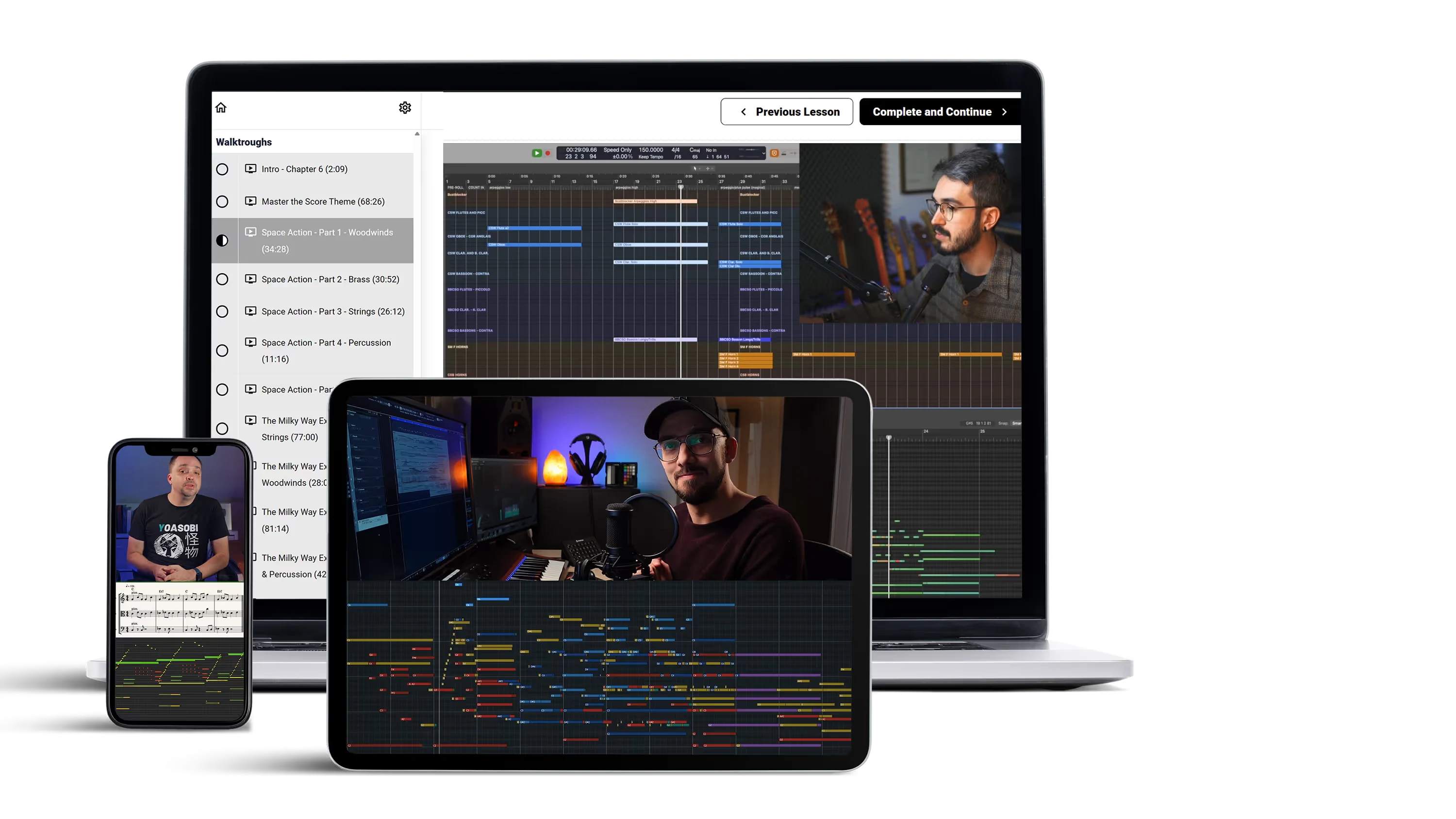
Online education for media composers — orchestral writing, trailer music, mixing and more, taught by working professionals.