
Sound Design
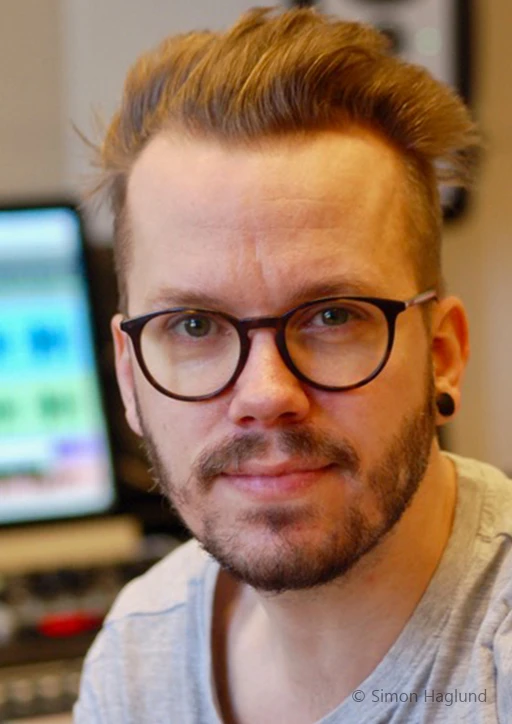
Simon is a professional sound designer and composer. His music was used in campaigns by Disney and Ubisoft. He is also one of the sound designers behind the popular software instruments from ”Falloutmusicgroup”.
Sound design is an awesome field of sound that is integral to music production, film, video games, and more. This guide can help you with the right tools, tips, and techniques to get started!
Sound design involves creating audio elements from scratch or manipulating existing sounds to achieve a desired effect. It’s like being the chef of an audio kitchen, mixing ingredients (sounds) to create the perfect dish (soundscape).
Frequency: The rate of oscillation, measured in Hertz (Hz). Frequency contributes to perceived pitch, although complex and noisy sounds do not always have a single clear pitch.
Amplitude: The size of a signal’s variation. Audio level is often expressed in decibels relative to a reference; perceived loudness also depends on frequency, duration and context. Use meters and listening together when balancing sounds.
Timbre: The unique quality or color of a sound that distinguishes it from others.
Before you start crafting sounds, you'll need the right tools. Here’s a list of essential equipment and software to kickstart your sound design journey:
Ableton Live: Great for electronic music and live performances.
Logic Pro X: Popular among Mac users for its extensive sound library.
FL Studio: Known for its user-friendly interface and powerful features.
REAPER (60-day evaluation): REAPER offers a fully functional 60-day evaluation. Continued use requires a paid license; see the official licensing information.
Serum: A versatile synthesizer plugin perfect for creating a wide range of sounds.
Omnisphere: Offers a vast library of sounds and powerful synthesis capabilities.
Kontakt: A sampler used by many instrument libraries. It is one option; use the instrument or sampler required by the particular library you choose.
Vital (FREE): a wavetable synthesizer with visual modulation controls; its basic edition can be used to learn oscillators, filters and envelopes.
MIDI Keyboard: Helps in composing and triggering sounds.
Audio Interface: Ensures high-quality audio input and output.
Studio Monitors/Headphones: Accurate sound reproduction is crucial for sound design.
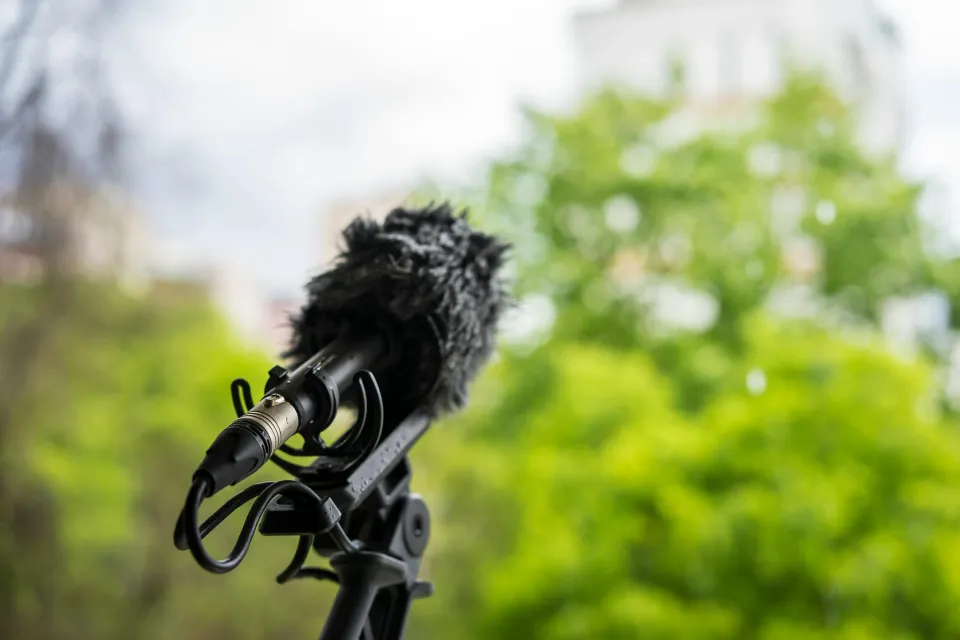
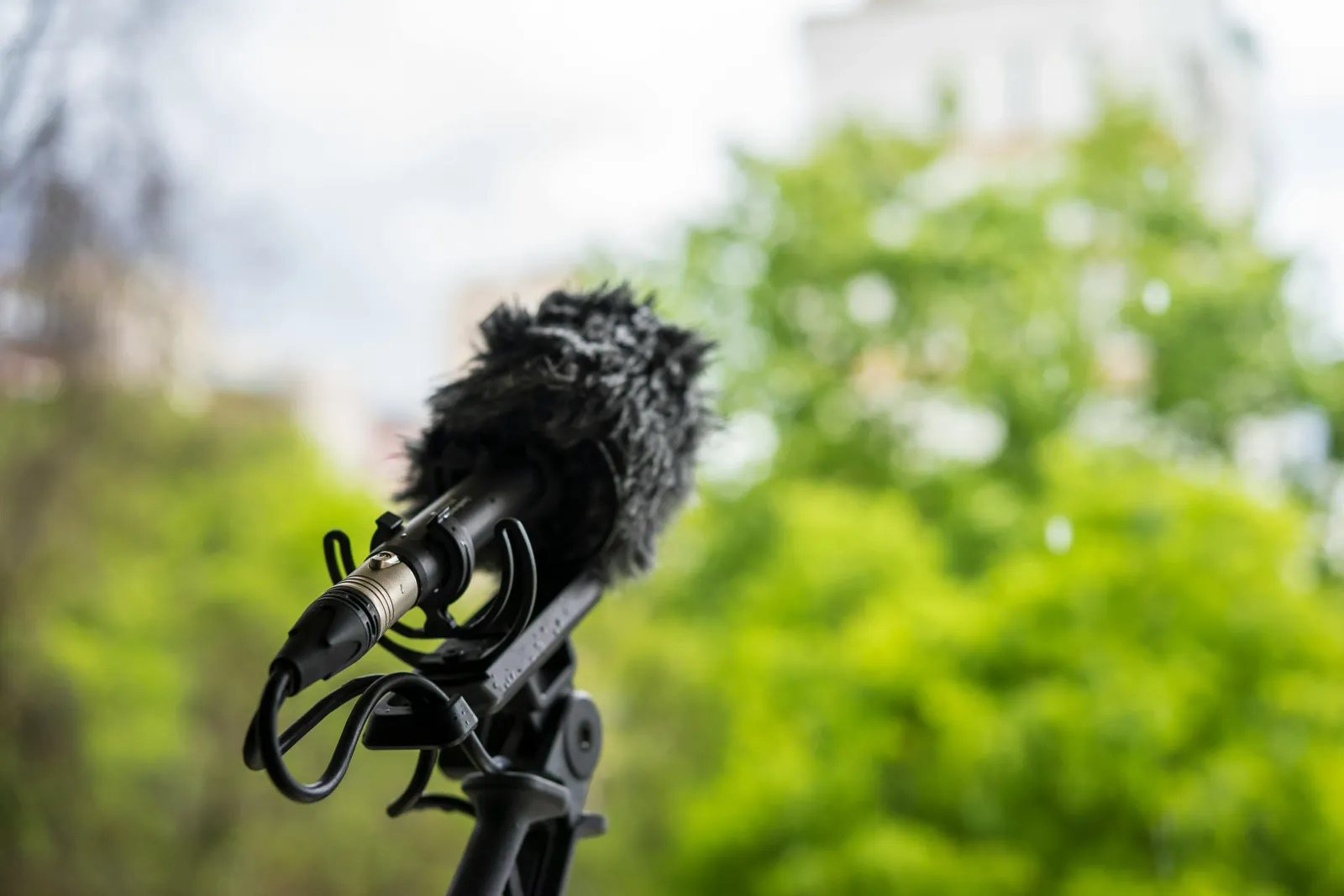
Recording device: A field recorder like a Zoom recorder or various microphones you can use with your audio interface can help you record sounds to manipulate and use.
Sound design is as much an art as it is a science. Here are some tips and techniques to help you create compelling sounds:
Experimentation: Don’t be afraid to try unconventional methods. Sound design is about creativity, so let your imagination run wild. Remember, even Bob Ross said, “We don’t make mistakes, just happy little accidents.”
Layering: Combining multiple sounds can add depth and complexity to your designs. For instance, layering a low rumble with a high-pitched screech can create a menacing monster sound.
Field Recording: Capture real-world sounds using a portable recorder. Unique recordings can add authenticity to your projects. Plus, it gives you an excuse to use the “I’m not weird, I’m just collecting sounds” meme.
Sound Libraries: Utilize sound libraries for inspiration or as a starting point. Websites like Splice, Freesound, and SoundSnap have a whole bunch of sounds for you to explore and manipulate.
Regular Practice: Like any other skill, sound design improves with practice. Challenge yourself with daily sound design exercises or recreate sounds from your favorite movies or games.
Getting started in sound design may seem daunting, but with the right tools, techniques, and a bit of imagination, you’ll be crafting amazing sounds in no time. So, gear up, experiment, and remember: in sound design, the only limit is your imagination!
If you want to learn about sound design in a more hands-on approach then check out Simon Haglund’s course on Sound Design for Media Composers! See how he does it and try it out yourself and ask for feedback from our teachers via the Master the Score discord community.
Our Music Composition & Orchestration Courses
Our Music Production Courses
Our Music Trailer Courses
See All CoursesLearn how to choose and perform with virtual instruments, then explore how to write trailer music to put hits, risers and hybrid textures into a complete cue.
Learn with Master The Score
Courses on composition, orchestration, music production, trailer music and sound design, from composers writing for film, games and media. Students also get exclusive discounts on leading sample libraries and plugins.
Discover all courses →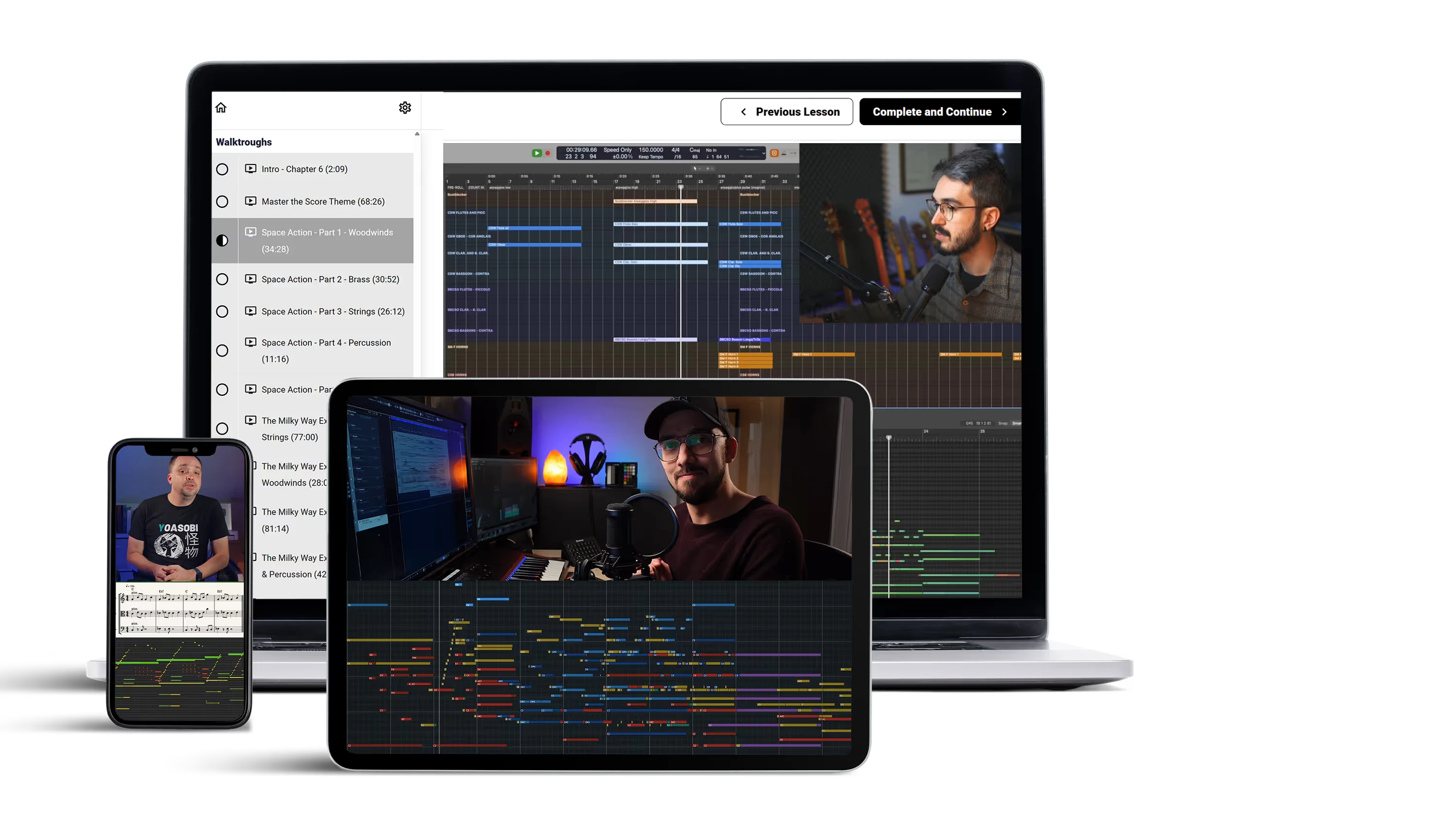
Online education for media composers — orchestral writing, trailer music, mixing and more, taught by working professionals.